 Reboni
Shop stories
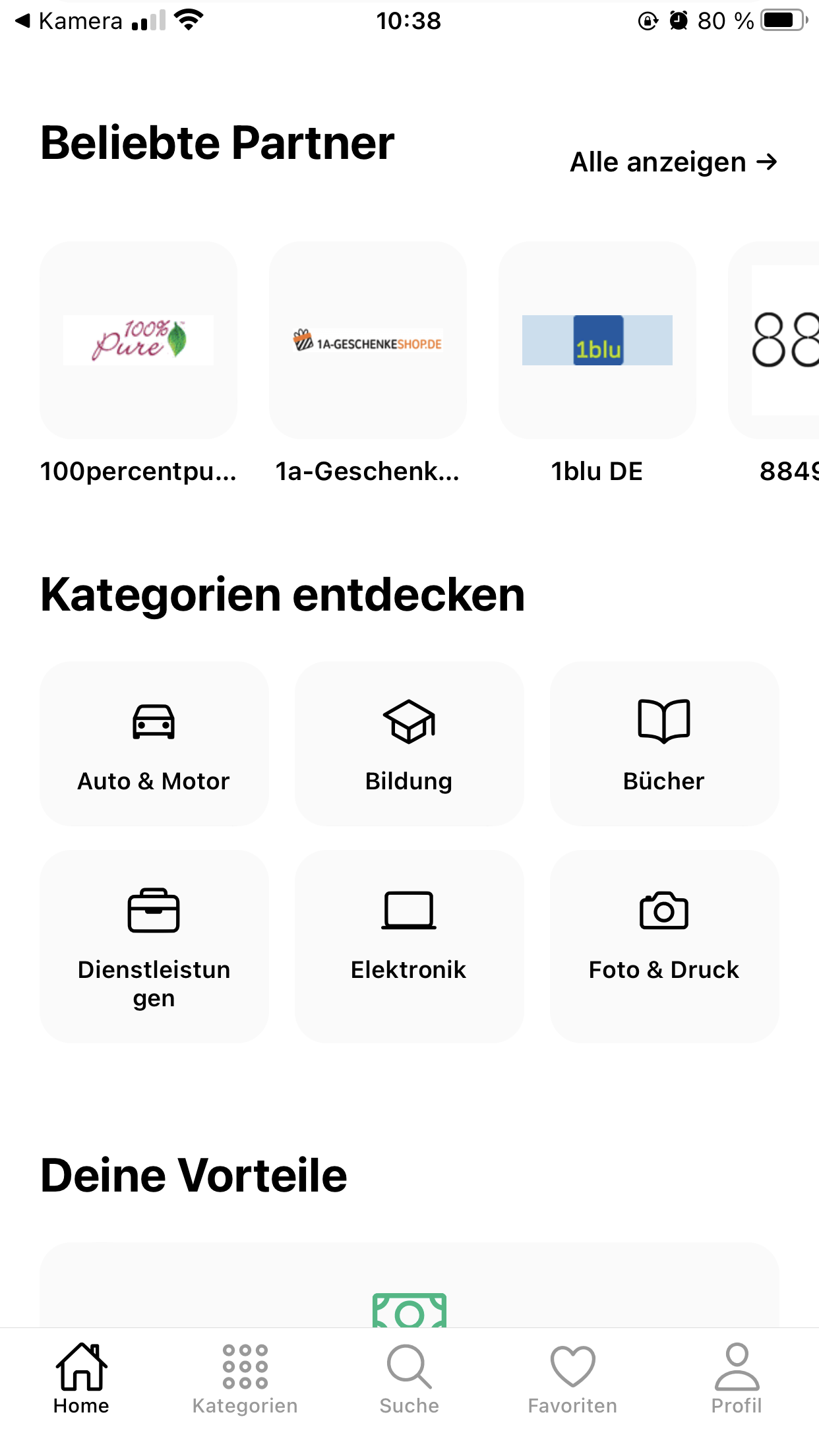
Your favourite shops appear at the top as round bubbles – like stories. One tap shows you what's new there.
With the Reboni app you find codes and deals, follow your favourite shops and shop directly in the built-in shop browser. The right code is already waiting for you there.
Shops vouchers
Everything you need to save – neatly in one place.
Your favourite shops appear at the top as round bubbles – like stories. One tap shows you what's new there.
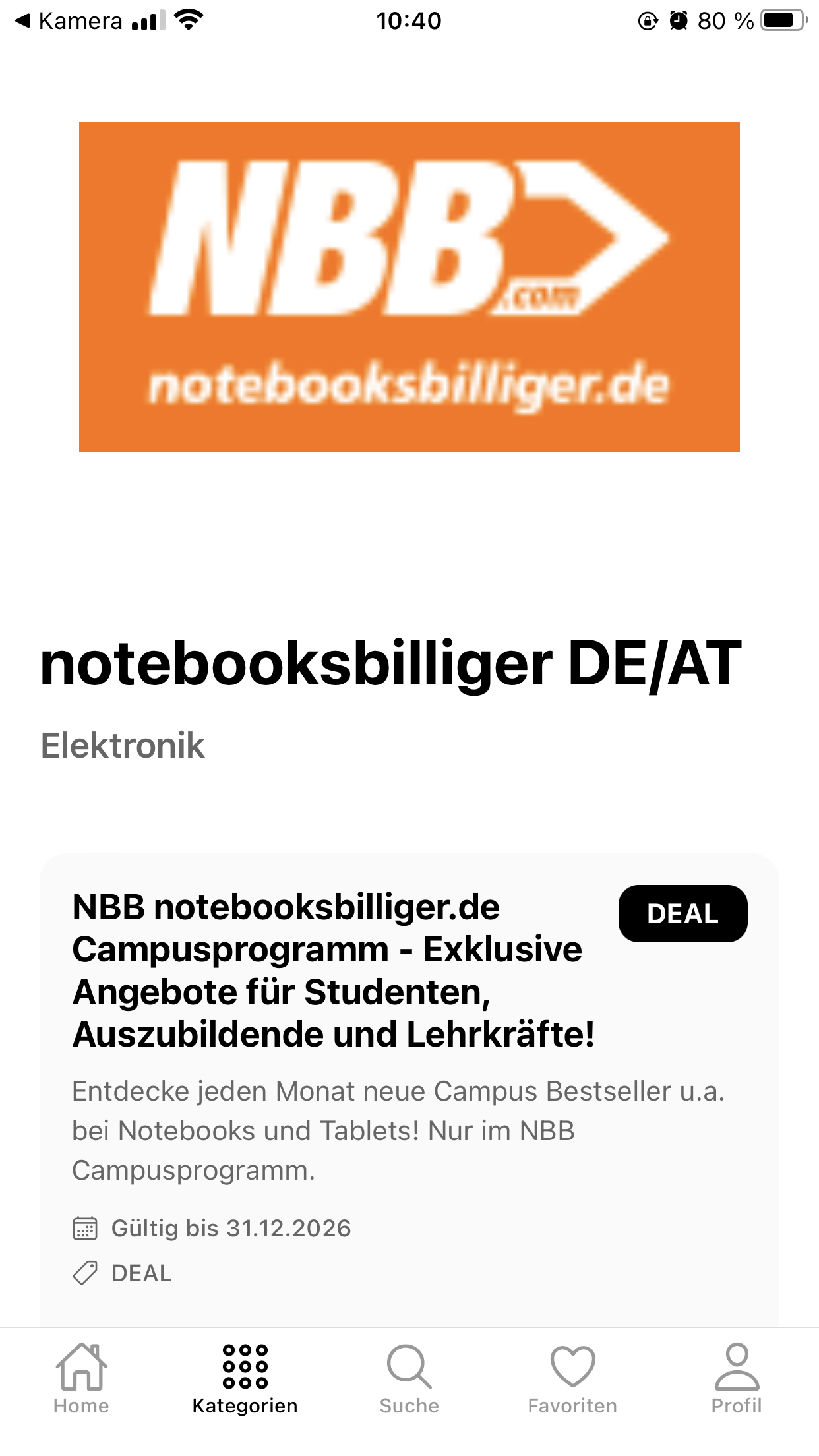
Many vouchers show a picture of the product. So you see straight away what's discounted.
Open a shop directly in the app. A small bubble shows the matching codes – tap, copy, paste at checkout.
Save shops and vouchers with a heart and find them again later with one tap.
Choose your country and only see codes that work there. No more trouble with vouchers that don't work for you.
The Reboni app is and will stay free. No hidden costs, no subscriptions.
Four steps from download to code at checkout.
Get Reboni for free from the App Store or Google Play and choose your country.
Tap the heart on your favourite shops. They then appear at the top as stories.
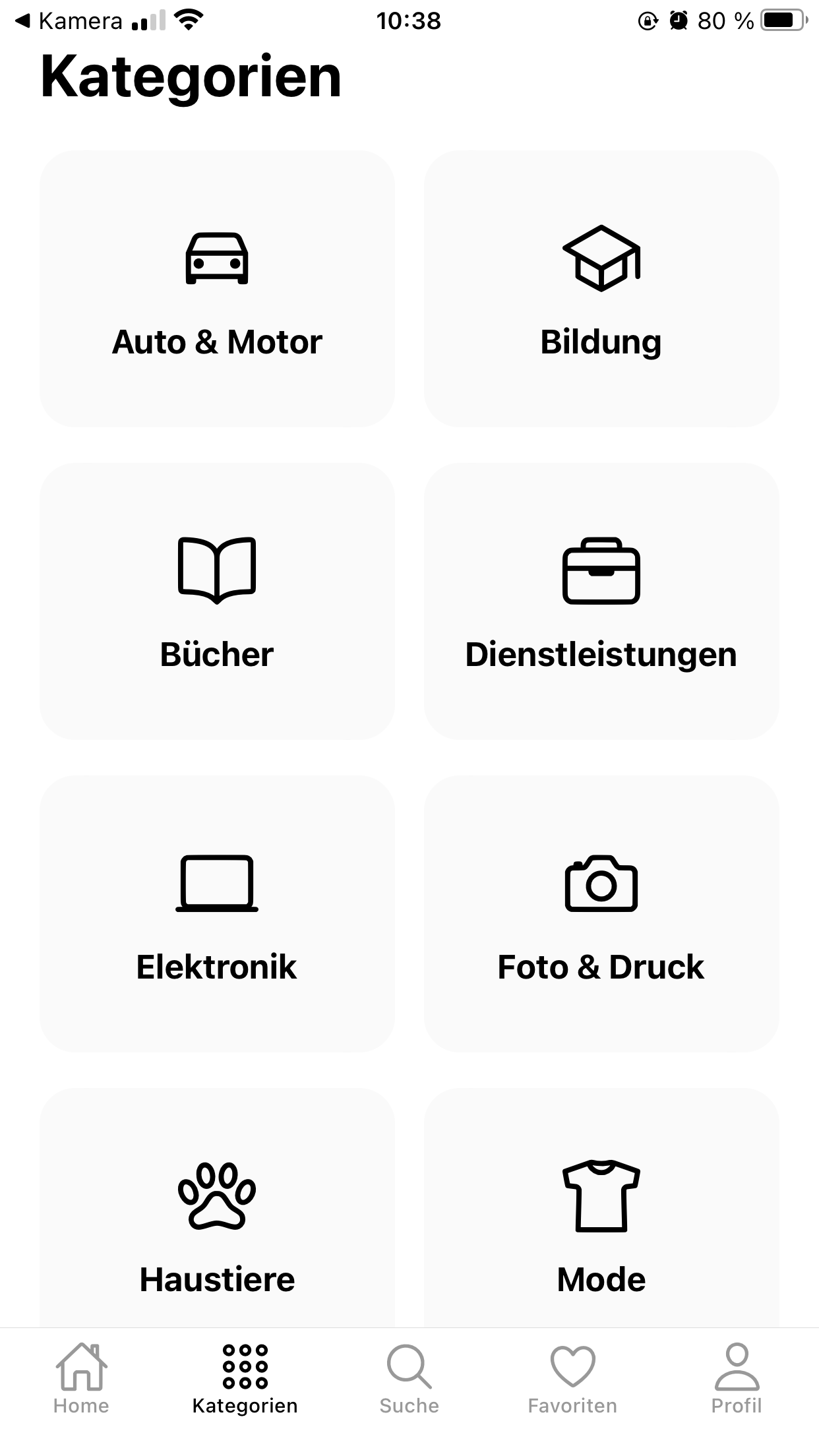
Browse by category or open a shop and see all codes and deals at a glance.
Shop in the shop browser. The code bubble has the code ready – copy it and paste it at checkout.
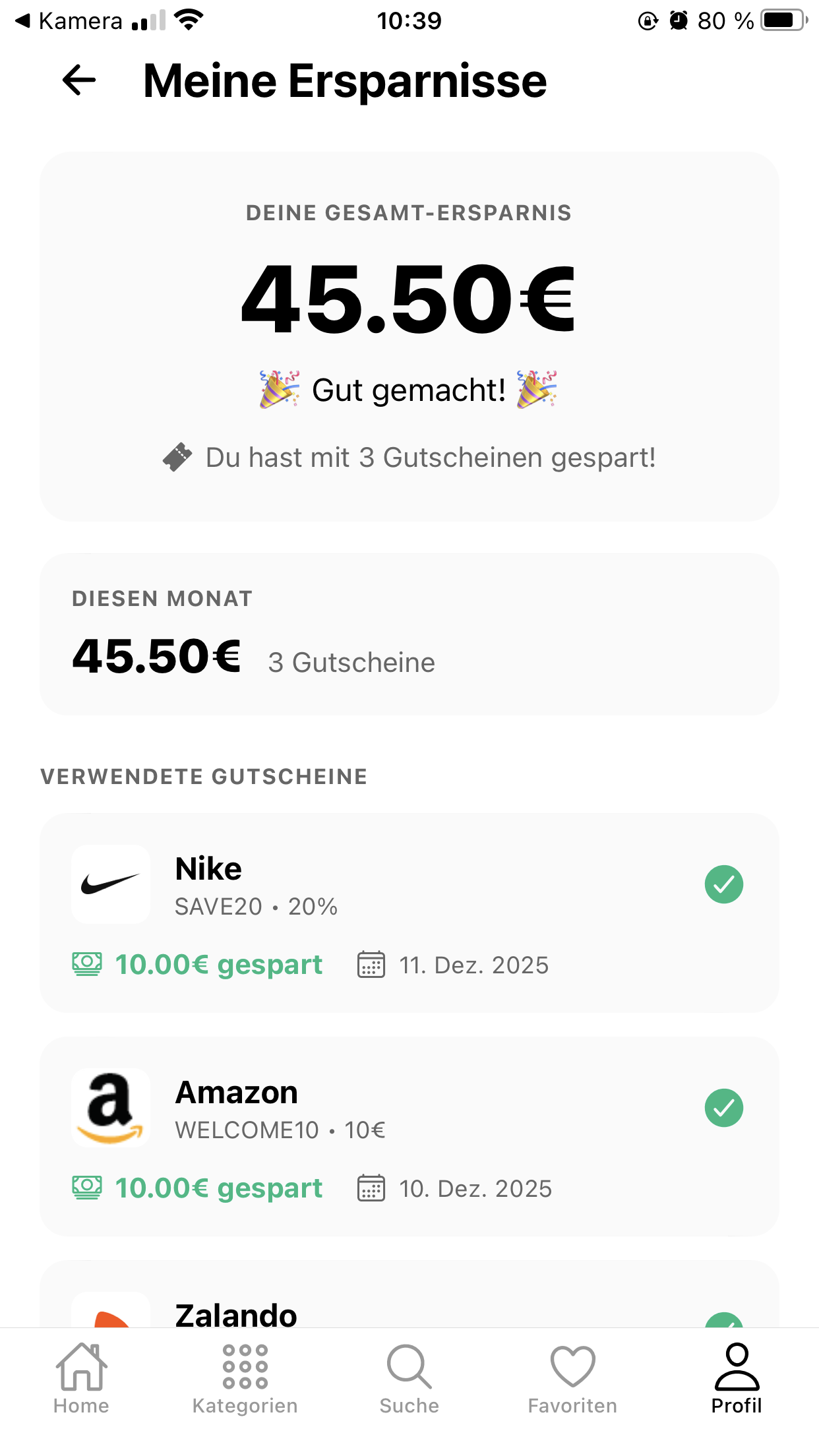
This is what Reboni looks like on your phone.
No. The app is free – no hidden costs and no subscription.
Reboni is available for iPhone (App Store) and Android devices (Google Play).
Shops you follow appear at the top of the app as round bubbles. Tapping one shows you that shop's new codes and deals.
When you open a shop in the built-in shop browser, a small bubble shows the matching codes. You tap it, copy the code and paste it at checkout.
Many vouchers only work in certain countries. With the filter you only see the codes that work in your country.
Yes. On your computer you can use the Reboni browser extension or find all codes directly on the website at Shops.
Download Reboni for free and have your vouchers with you on every purchase.
Prefer your computer? With the browser extension you see matching codes right in the shop.
Get the browser extension